Powered by libghostty · GPU / Metal

A real terminal
in your pocket,
over SSH.

gterm renders with Ghostty's GPU engine for true xterm/VT emulation, connects straight to your servers over SSH, keeps your keys on-device, and ships an AI command assistant that writes the commands for you.

Free public beta · needs Apple's TestFlight app · iOS 17+
Built for getting real work done

Everything a shell needs.
Nothing it doesn't.

A lean Swift layer over libghostty, a proper SSH transport, and an AI layer that actually understands your session.

GPU-rendered terminal

Real xterm/VT emulation via Ghostty's libghostty, drawn on Metal. Colors, ligatures, and reflow that feel native — not a web shim.

SSH-native

Connects with swift-nio-ssh — password & public-key auth, PTY shell, live window resizing, and trust-on-first-use host-key verification.

Keys stay on device

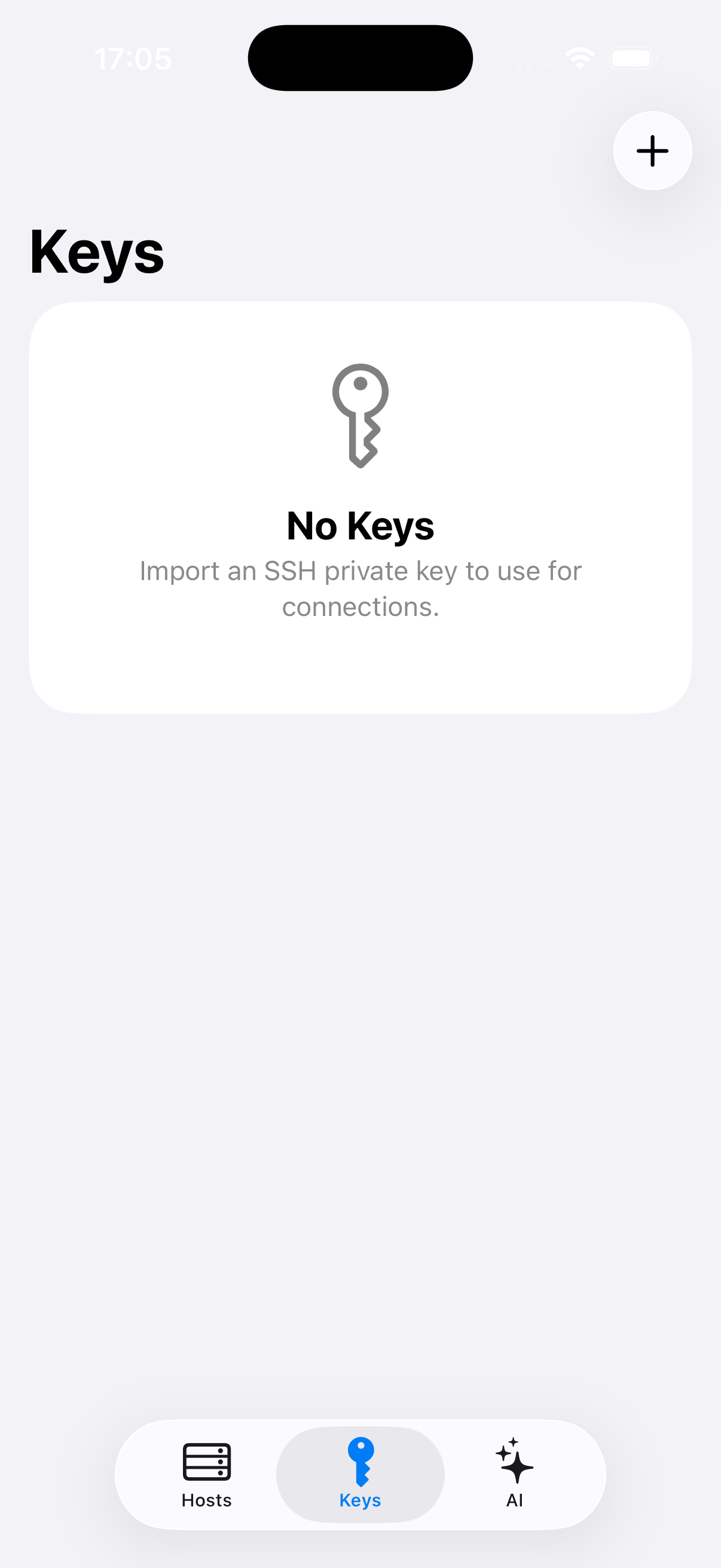
Import Ed25519 / ECDSA private keys into the iOS Keychain — device-only, never synced. Pick one or more keys to try per host.

Shell-grade keyboard

A custom accessory keyboard with the keys iOS forgets — Esc, Ctrl, Alt, Tab, arrows, and sticky modifiers for real TUI navigation.

AI command assistant

Describe what you want in plain English. The AI reads your recent commands and visible screen, proposes a command, and shows it for review before it runs.

AI auto-completion

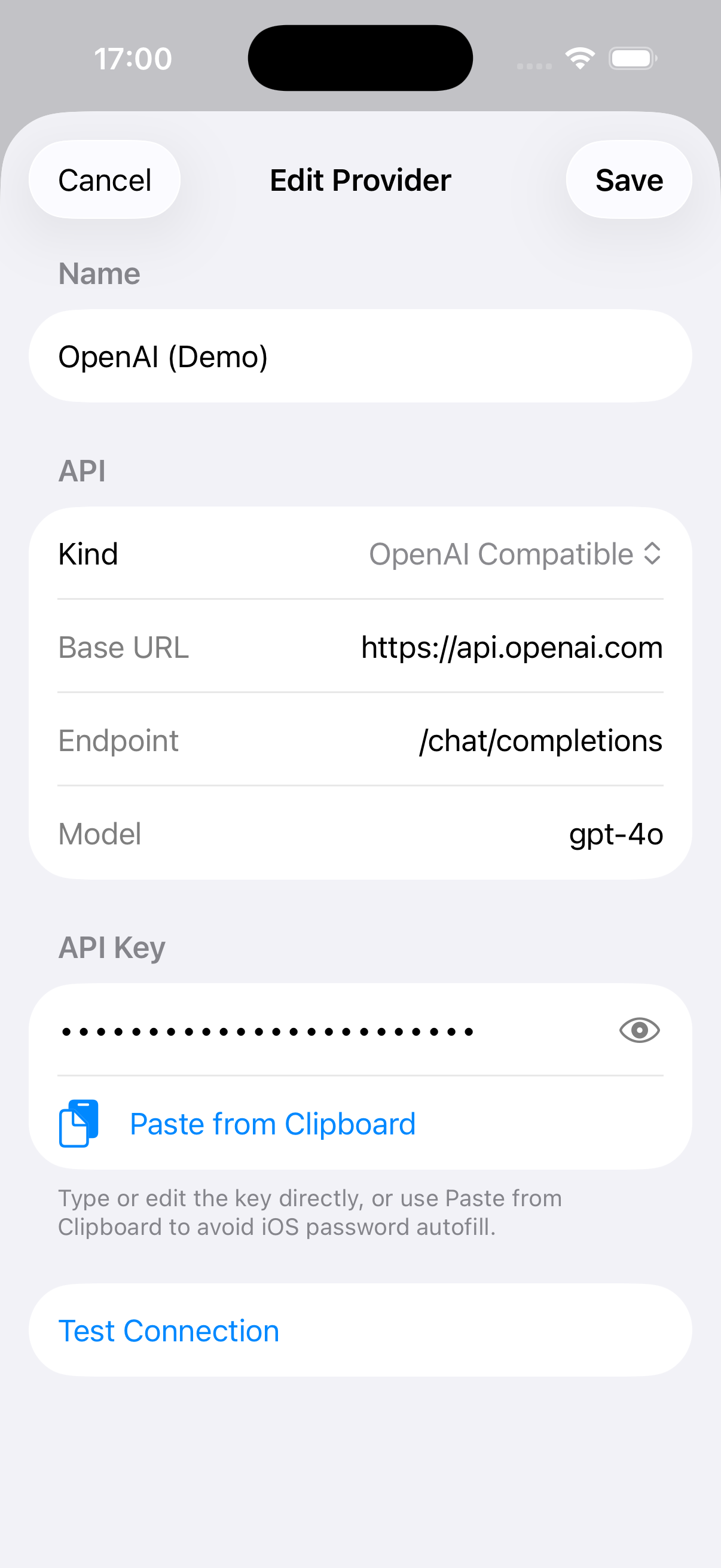
As you type, suggestions surface above the keyboard — from your history and from your provider. Bring your own key; it's stored masked in the Keychain.

The engine

It's the real Ghostty, on iOS.

iOS can't fork/exec a local shell — so gterm adds a passthru IO backend to libghostty that drives the terminal straight from the SSH stream. You get the same GPU renderer and VT parser as the desktop app, in a sandboxed iOS surface.

GPUMetal renderer
VTfull xterm emulation
Swiftlean native layer
gterm app icon
A look inside

Hosts, keys, and AI —
in one clean app.

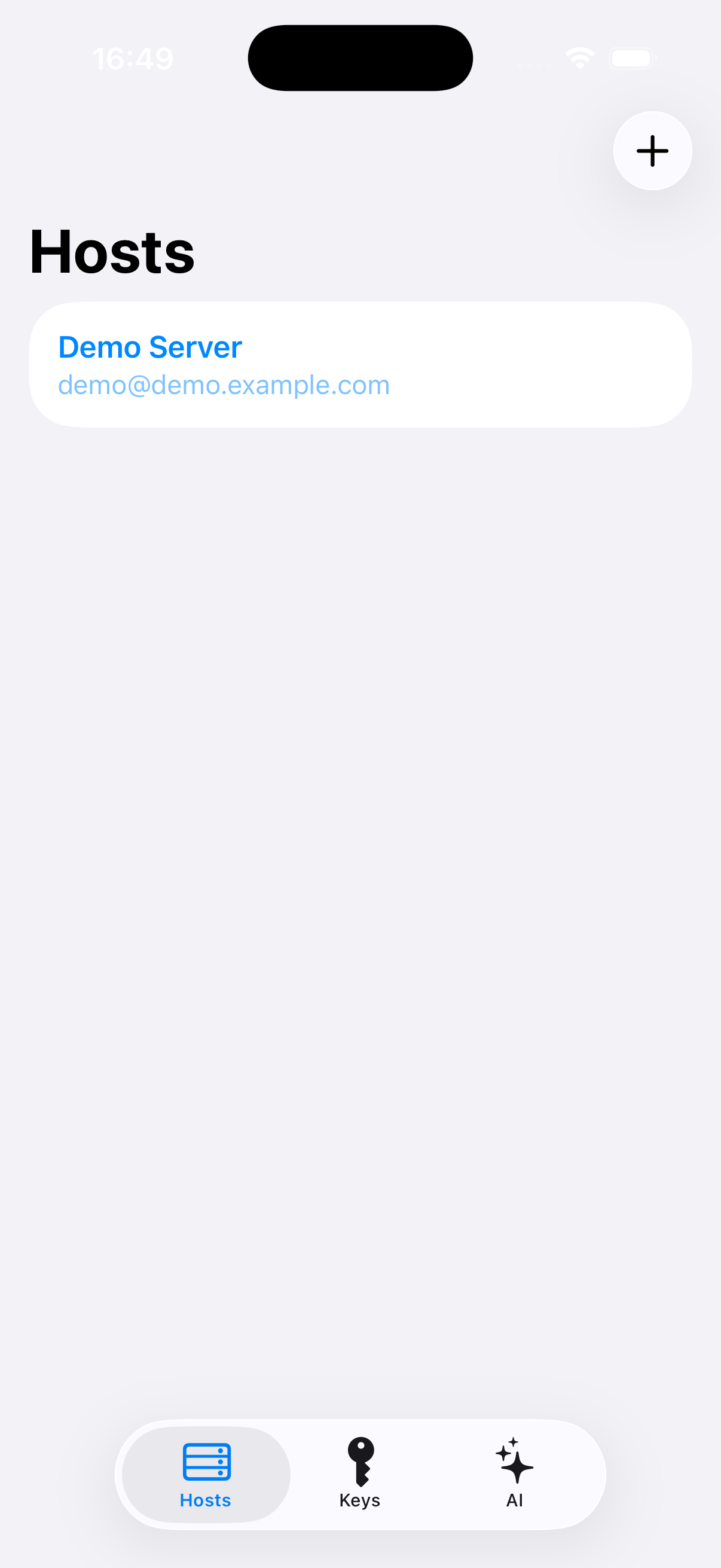
Saved SSH hosts
Saved hosts
SSH key management
On-device keys
AI provider with masked API key
AI providers · masked keys