Select text in Safari, Notes, Mail, Messages, or any app. Open the share or action menu and choose Runse. Pick refine or translate, run, paste back. That's it.
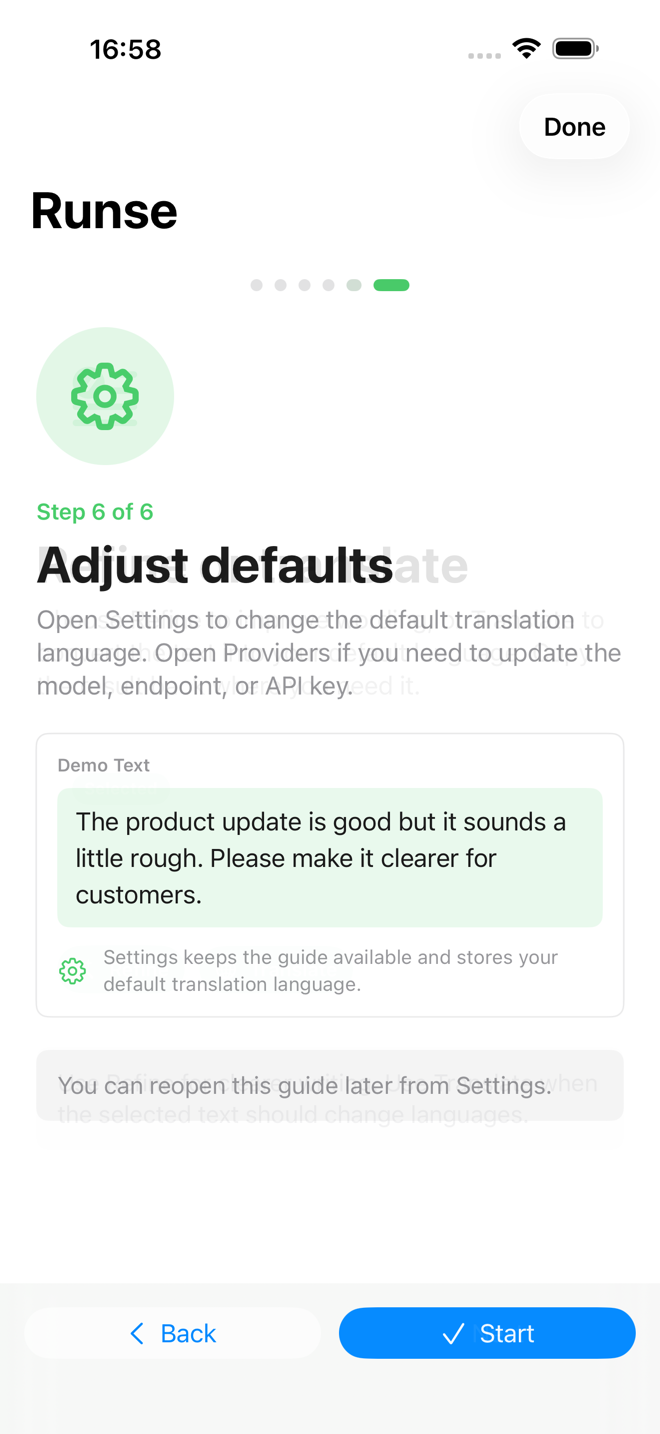
Refine
Pick the result you want, then run. Runse rewrites the selected text and copies it back so you can paste over the original.
Translate
A dropdown with English, Simplified Chinese, Traditional Chinese, Japanese, Korean, Spanish, French, and German — plus a free-form field for anything else.
{{target_language}}.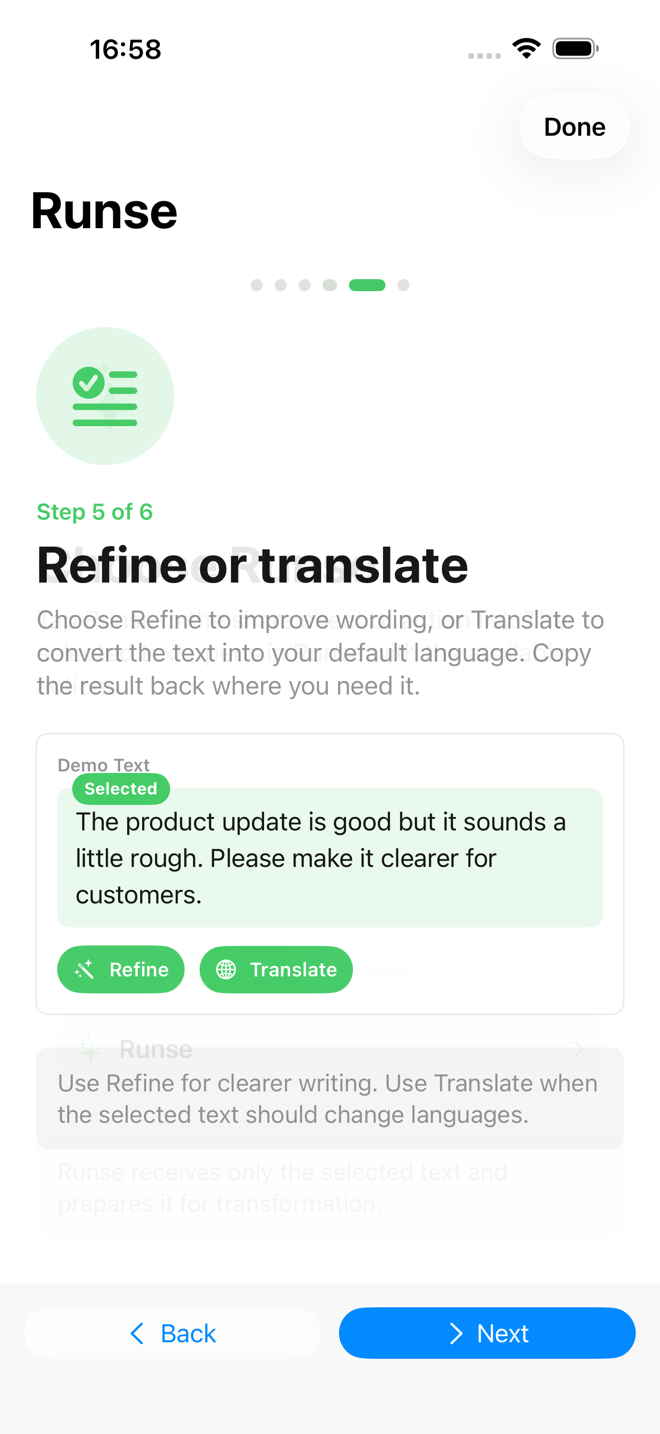
No accounts, no telemetry, no cloud sync. Settings, prompt templates, and history live on your device.
Edit the built-in refine and translate templates, or write your own with variables.
OpenAI, Anthropic, or any compatible endpoint. Test API status and watch token usage.
Every run is saved locally with the source, the result, and the model that produced it.
API keys live in the iOS Keychain. Selected text is sent only to the active provider, only when you run.
How it works
Step 1
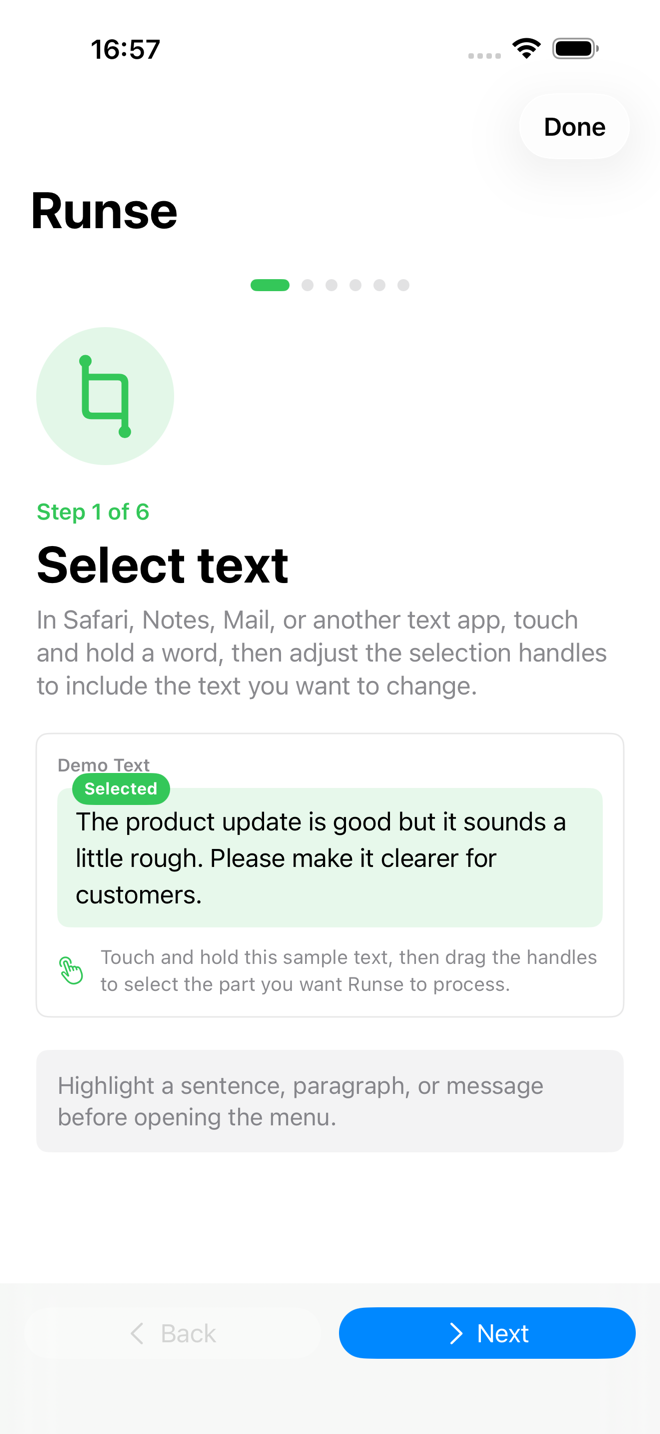
Select text
In Safari, Notes, Mail, Messages, or any iOS app.
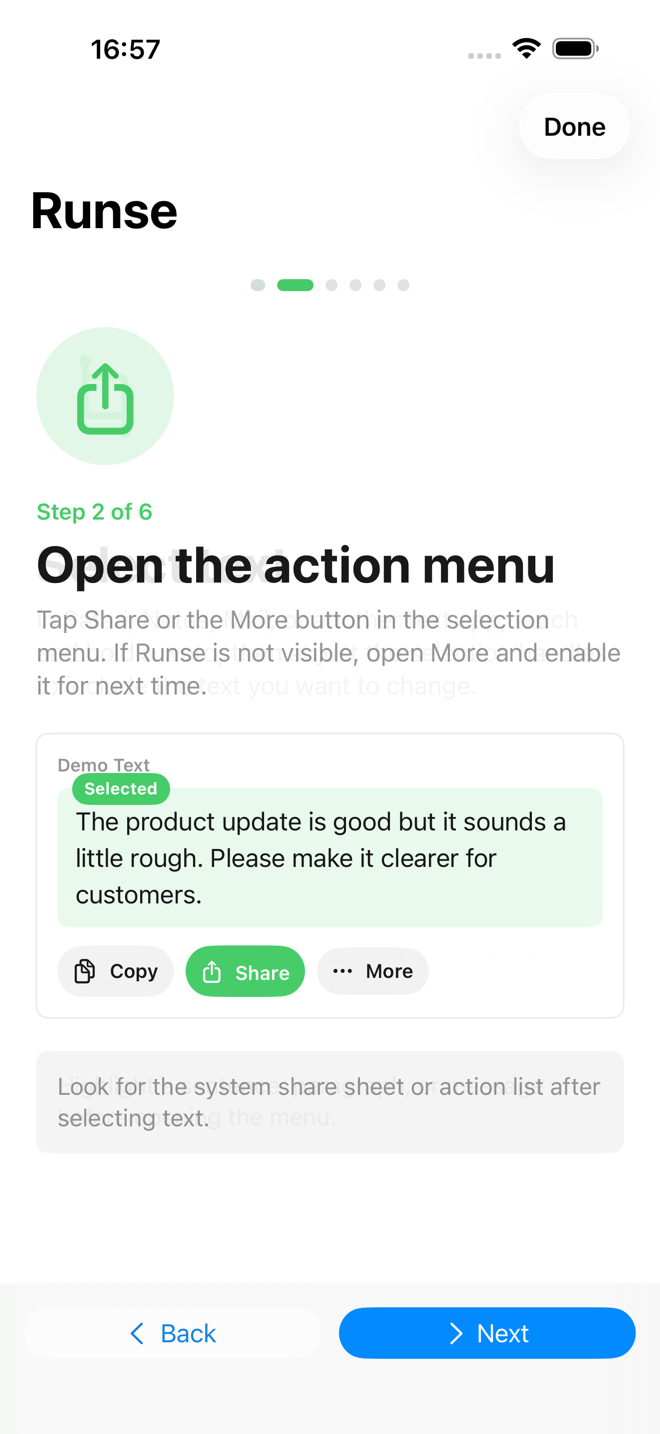
Step 2
Open the action menu
Tap Share, then scroll to find Runse.
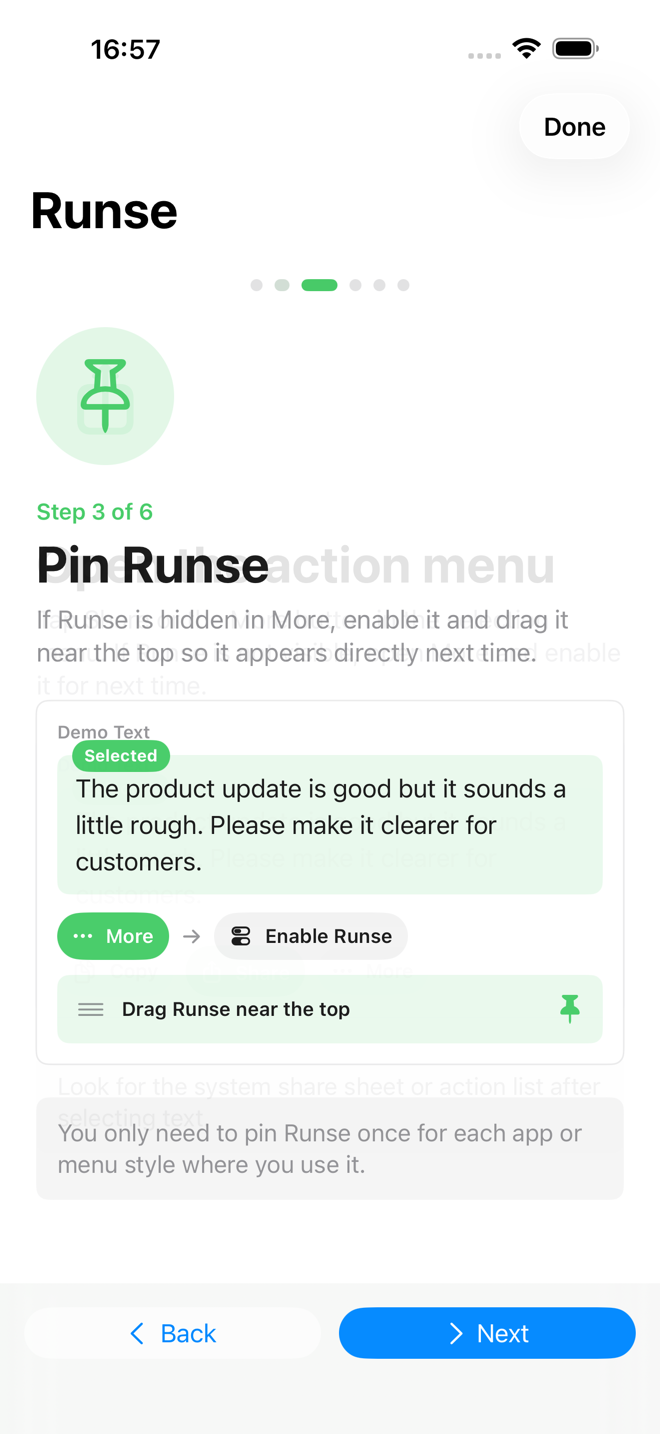
Step 3
Pin Runse
One-time tweak so it's always one tap away.
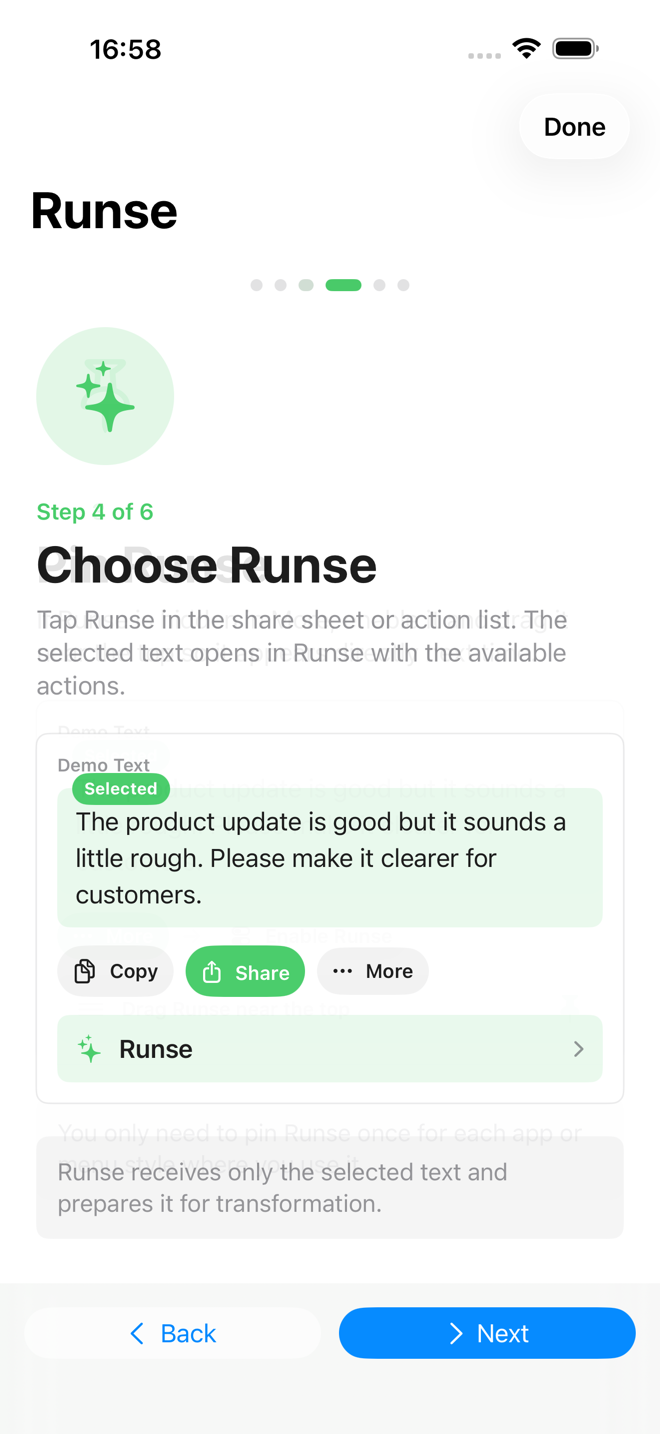
Step 4
Refine or translate
Pick the action, run, copy back to the source app.
Available in English, 简体中文, 繁體中文, 日本語, and 한국어.
Pricing
Then ¥12/year. Cancel anytime in your App Store account settings.
Runse Pro
¥12/year
First month free · auto-renewable yearly subscription
An iPhone or iPad on iOS 18 or newer. The default provider works out of the box; advanced users can plug in their own OpenAI- or Anthropic-compatible endpoint.
Runse ships with a default provider for a smooth first run. You can add your own keys for OpenAI, Anthropic, NVIDIA, DeepSeek, Kimi, MiniMax, GLM, or any other OpenAI-compatible endpoint.
Selected text is sent only to the active AI provider, only when you run a refine or translate action. Runse does not operate any server. Provider settings, prompt templates, and history are stored on your device. Read the privacy policy.
In the iOS Keychain. They never leave your device except to the provider you configured.
Open the App Store, tap your avatar, then Subscriptions, then Runse. Cancellation takes effect at the end of the current billing period.
Yes — the source lives at github.com/madeye/runse.
Now on the App Store. First month free.